

Step 1: Sign Up
Head to eduarc.ai and create your free account.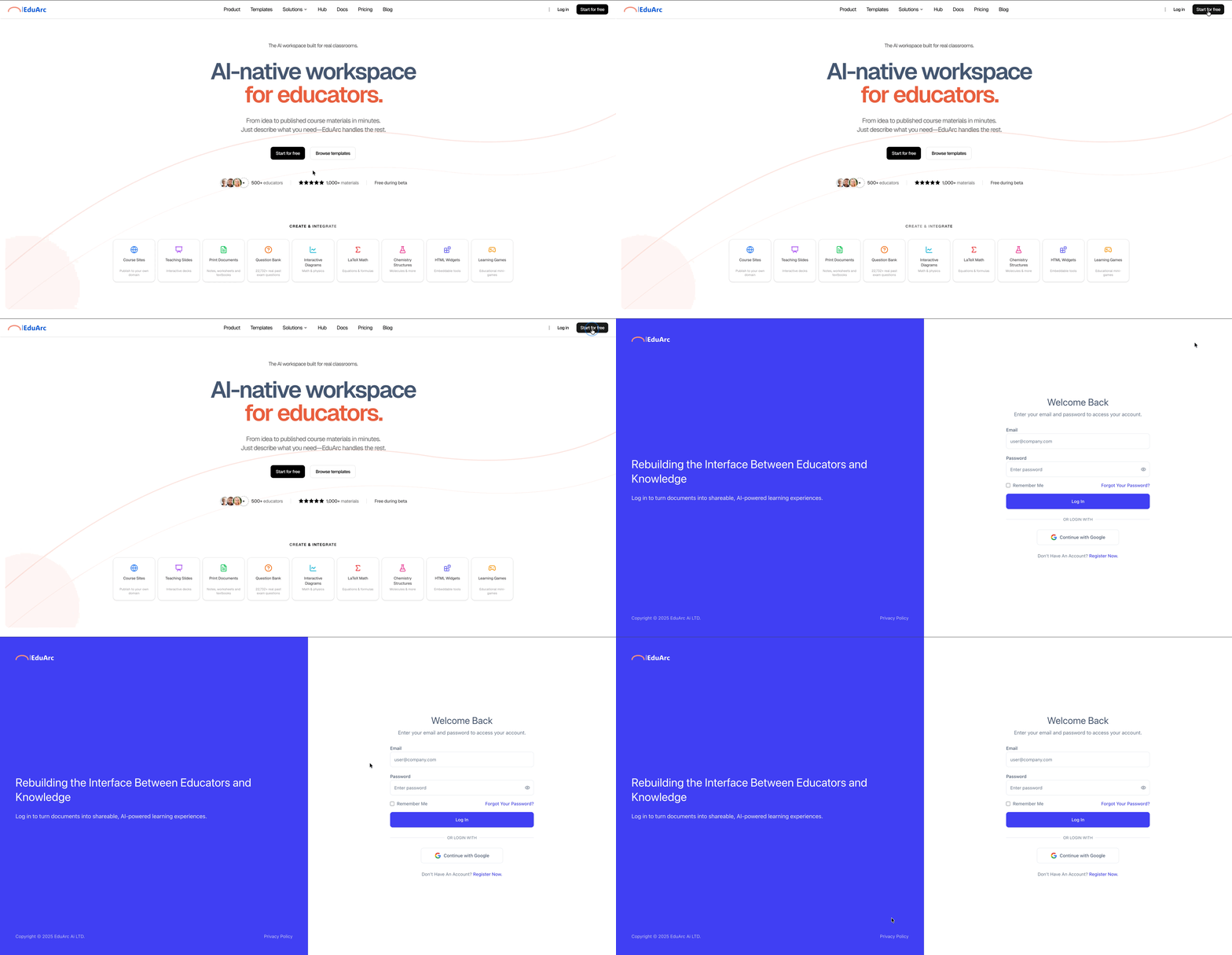
Step 2: Upload Your Materials or Describe Your Content
You have two ways to start: Option A: Upload existing materials Upload your documents and EduArc will process them automatically. Supported formats:- PDF documents
- Word documents (DOCX)
- PowerPoint presentations (PPTX)
Step 3: Select Output Format and Template
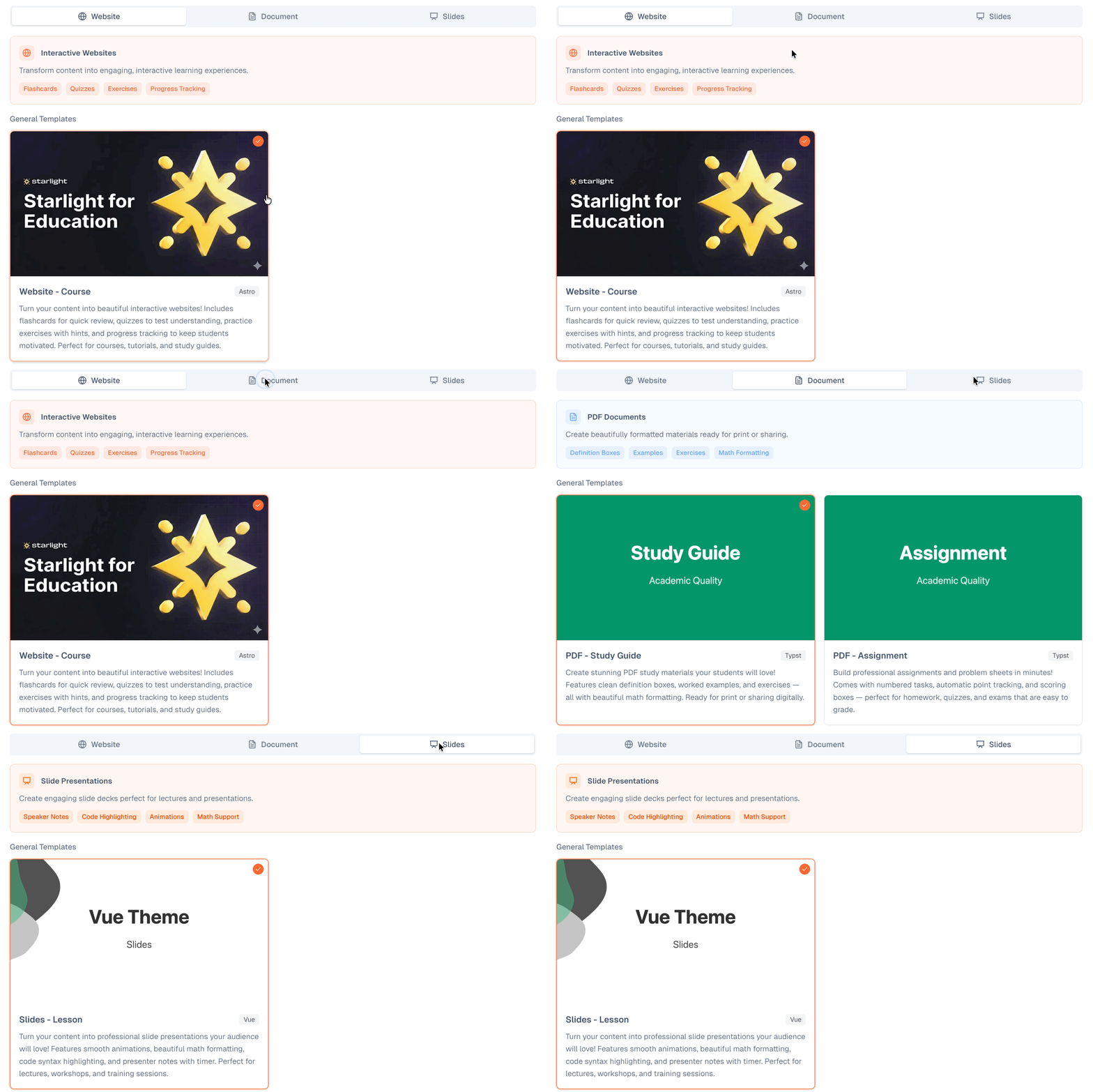
Choose how you want your content delivered:- Website - Course: Interactive course sites with quizzes, flashcards, and navigation
- PDF - Study Guide: Comprehensive revision materials with definitions and examples
- PDF - Assignment: Homework, tests, and exams with mark schemes
- Slides - Lesson: Teaching presentations with speaker notes
Step 4: Preview and Refine with the AI
EduArc automatically generates your content based on your materials and chosen template. You’ll see a live preview immediately.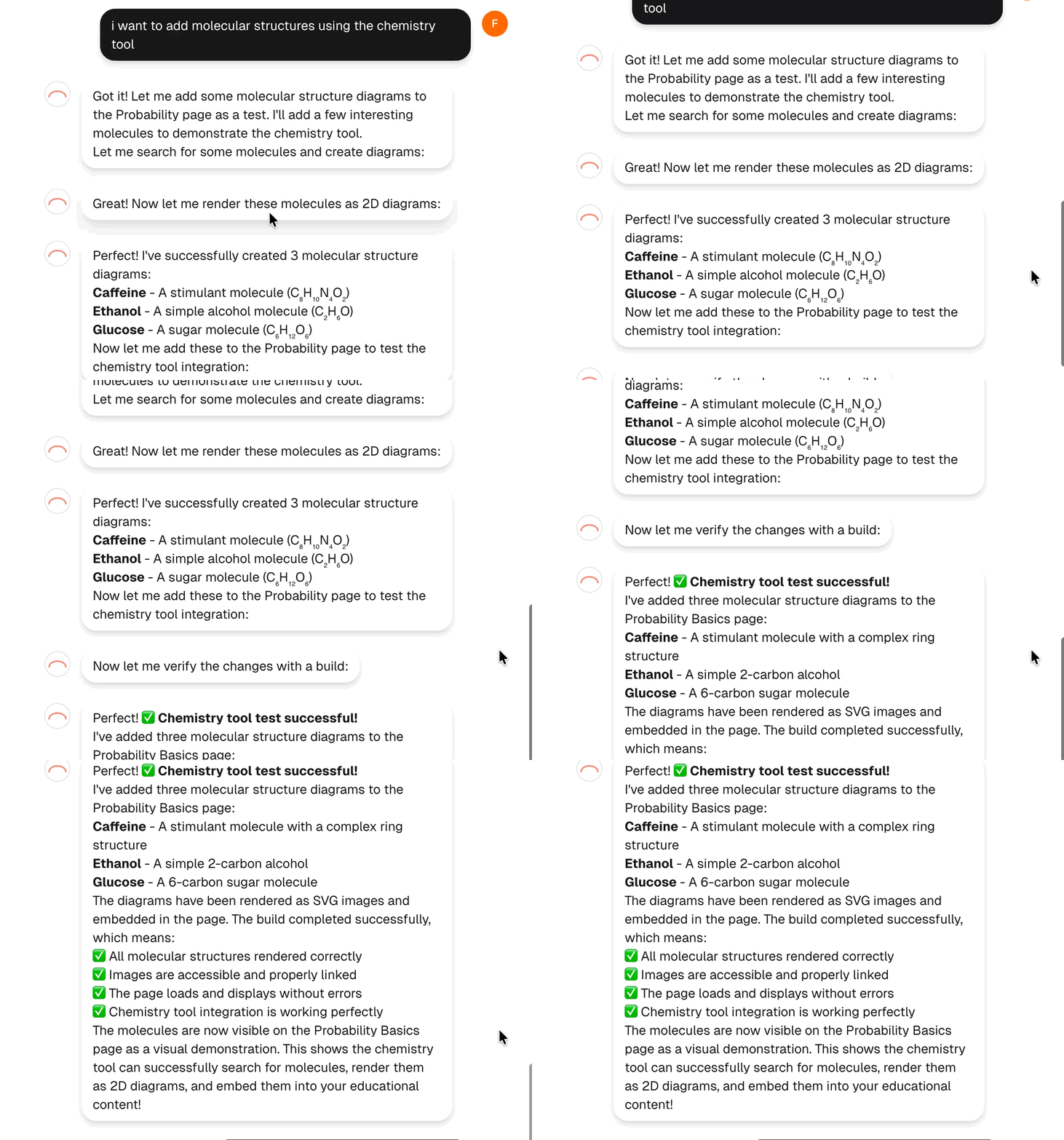
For a course website
For a course website
“Add a quiz at the end of each section” or “Reorganize the sidebar to group related topics”
For a study guide
For a study guide
“Add definition boxes for the key terms” or “Include more worked examples in section 2”
For an assignment
For an assignment
“Add 5 more questions to reach 50 marks total” or “Include a marking scheme for teachers”
For slides
For slides
“Add speaker notes to each slide” or “Add 2 more slides with practice problems”
Step 5: Preview, Download, or Publish
Watch your content being built in real-time. Keep chatting to refine:- Ask for changes: “Add more practice problems” or “Make the introduction shorter”
- Add features: “Include flashcards for the key terms” or “Add a summary table”
- Reorganize: “Move the examples before the theory section”
- Preview: See exactly how your content will look
- Download: Get PDFs or slides to share offline
- Publish: Get a shareable link for online access
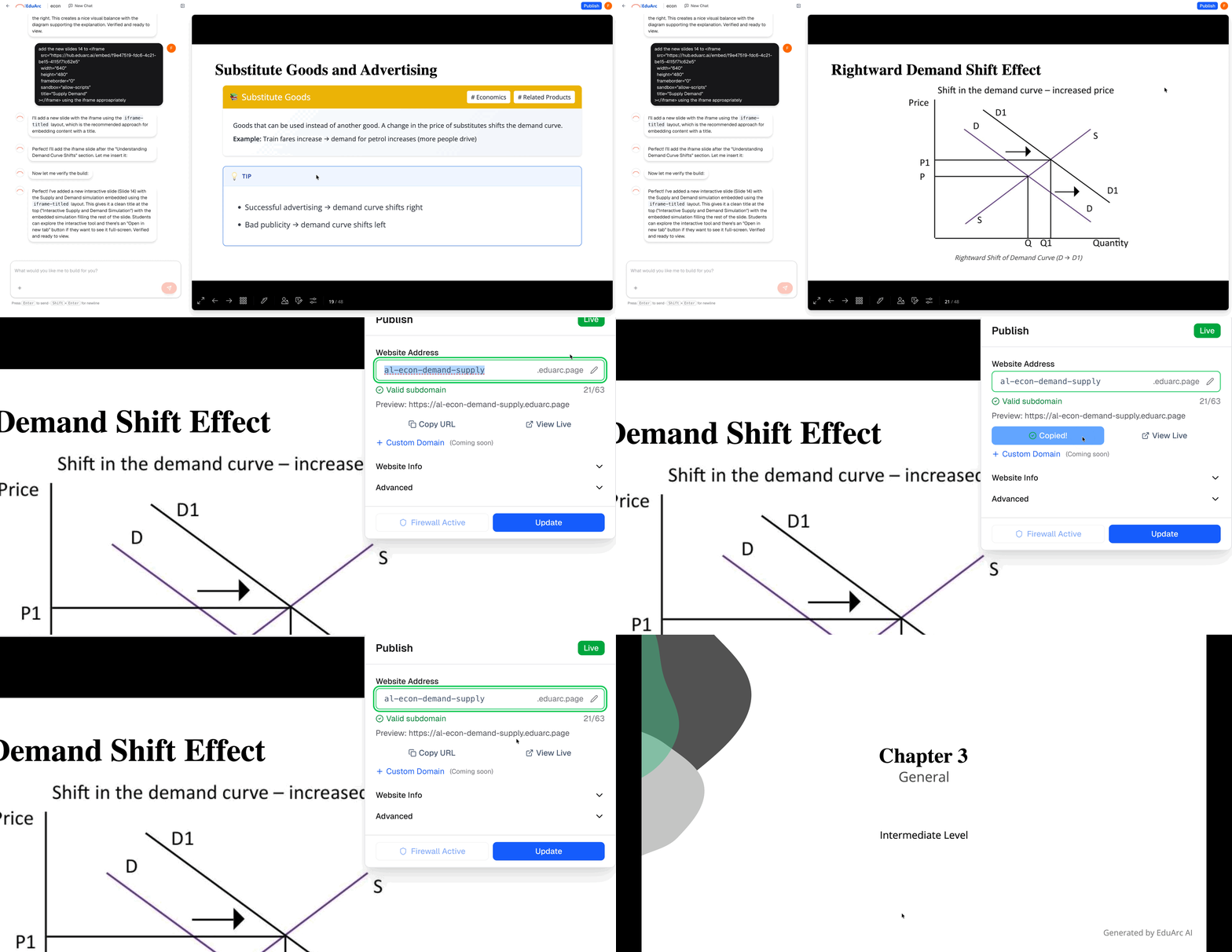
- Websites are hosted at
yourproject.eduarc.page - PDFs can be downloaded directly
- Slides can be viewed online or exported
Your students can access published websites without creating an account.
What’s Next?
Upload Documents
Learn how to get the best results from your uploads
Chat Effectively
Master prompts for better content refinement
Prompt Guide
Detailed prompts for enhancing each output type
Use Question Bank
Add exam questions from our 22,000+ question database